Offline speech-to-text for Flutter, with no server and no API key
Live, hands-free transcription on iOS and Android, entirely on the phone
At work I build real-time transcription with cloud speech APIs. They are very good. They also need a network connection, an account, a key, a bill, and a decision about whose servers your users' voices go to.
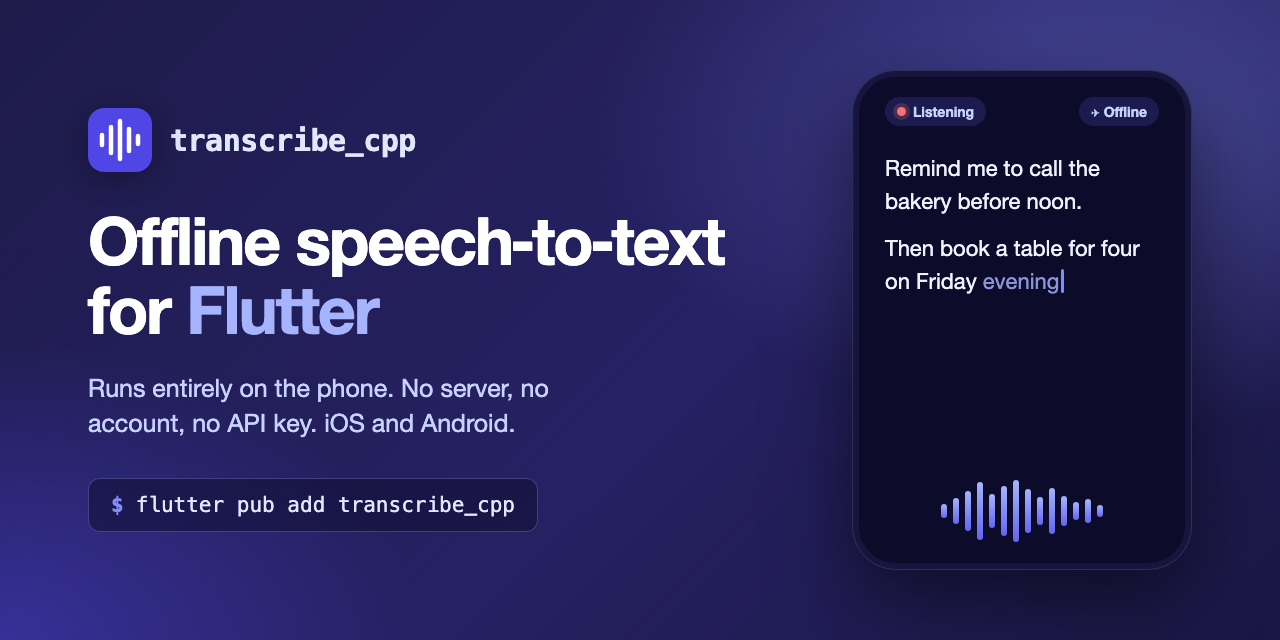
I wanted to know how close a phone could get on its own. So I built transcribe_cpp, a Flutter package that turns speech into text entirely on the device, on iOS and Android. The user talks, your app gets text, and the audio never leaves the phone.
It started as an experiment and a way to learn. It is now on pub.dev, MIT licensed, and the code is on GitHub.
What it does
Private. No server, no account, no API key. It works in airplane mode.
Hands-free. There is no button to hold. Voice detection decides when each sentence starts and ends.
Live text. Words appear while the person is still talking, and settle in place without flickering.
Fast. On a mid-range phone, the recommended model transcribes speech about 40 times faster than real time.
Survives real life. Phone calls, Siri, headphones plugged in or pulled out, the screen locking, the app going to the background.
Bring your own audio. If your app already records, hand the audio over at any sample rate and skip the microphone handling entirely.
Using it
flutter pub add transcribe_cpp
import 'package:transcribe_cpp/transcribe_cpp.dart';

// Download a model once (90 MB). Later calls return it straight away.
final models = await ModelManager.open();
final model = await models.ensure(const ModelId('parakeet-tdt_ctc-110m-Q4_K_M'));

// Load it, and listen.
final session = await TranscribeSession.open(model);
await session.start();

// Show the text as the user speaks.
ValueListenableBuilder(
  valueListenable: session.text,
  builder: (context, text, _) => Text(text.full),
);

await session.stop();
That is the whole thing. Add a microphone permission to Info.plist and the Android manifest, and you have live dictation.
If you already capture audio yourself, from a call, a file or your own recorder:
await session.transcribeStream(
  myAudio,
  format: const AudioFormat(sampleRate: 48000),
);
Standing on transcribe.cpp
I did not write a speech recognizer. The models run on transcribe.cpp, a C++ engine built on ggml, the library behind llama.cpp and whisper.cpp. It runs a whole catalogue of open speech models, converts them, and publishes their accuracy.
transcribe_cpp is the part between that engine and a Flutter app: the microphone, deciding when someone is speaking, splitting speech into sentences, live text, and staying alive through everything a phone throws at a long recording.
The model I recommend is NVIDIA's Parakeet 110M: a 90 MB download with a 2.5% word error rate on the LibriSpeech benchmark. Models are downloaded when the app first needs them, so your app stays small; the package itself adds about 6 MB.
What turned out to be hard
Getting a model to produce text was the easy week. Everything around it took the time.
Live text that doesn't flicker. The models I use transcribe a whole sentence at once; they don't stream word by word. To show text while someone is still talking, the package re-reads the unfinished sentence every 350 ms. But the last word or two of each read is a guess, because the model hasn't heard what comes next yet. Show those guesses and the text jitters as words rewrite themselves. So a word only appears once two reads in a row agree on it. The text only grows, and it feels live.
Knowing when a sentence ends. With no button, something has to decide when you've finished speaking. Wait too long and the text feels slow; cut too early and you split sentences mid-thought, which costs accuracy. The package runs Silero VAD, a small voice-detection model I ported to plain C, and an endpointer tuned by measuring, not by feel. Most errors came from where sentences were cut, not from the recognition itself.
Phones interrupt you. iOS stops your audio for a phone call or Siri and tells you when you can have it back. Headphones change the microphone's sample rate under you. Android doesn't stop the recording at all when a call takes the microphone: it quietly feeds you silence. And iOS refuses GPU work from an app in the background, so when the screen locks, the package moves decoding to the CPU and back to the GPU when the app returns. Each of these needed its own handling, so a long session keeps going without the app babysitting it.
Two bugs every Flutter plugin author should know about. Since Flutter 3.29, Dart runs on the platform's main thread, so stopping the microphone froze my UI animations while the audio system shut down. And on iOS, release builds silently removed the C functions Dart calls through FFI, while debug builds hid the problem completely. Both will get their own posts.
Try it
Package: pub.dev/packages/transcribe_cpp
Code and example app: github.com/ishangavidusha/transcribe_cpp
The example app lets you browse the whole catalogue of 58 models, download a few, and switch between them on your own phone in a few minutes. That beats any number I could give you.
It is early. Android runs on the CPU for now, and Bluetooth headset microphones work on iOS but not yet on Android. If you try it, I'd like to hear how it goes: bug reports, questions and ideas are all welcome in GitHub Discussions or the issues.
Thanks to the transcribe.cpp authors, the ggml project, the Silero team, NVIDIA and the Moonshine team, whose work this is built on.